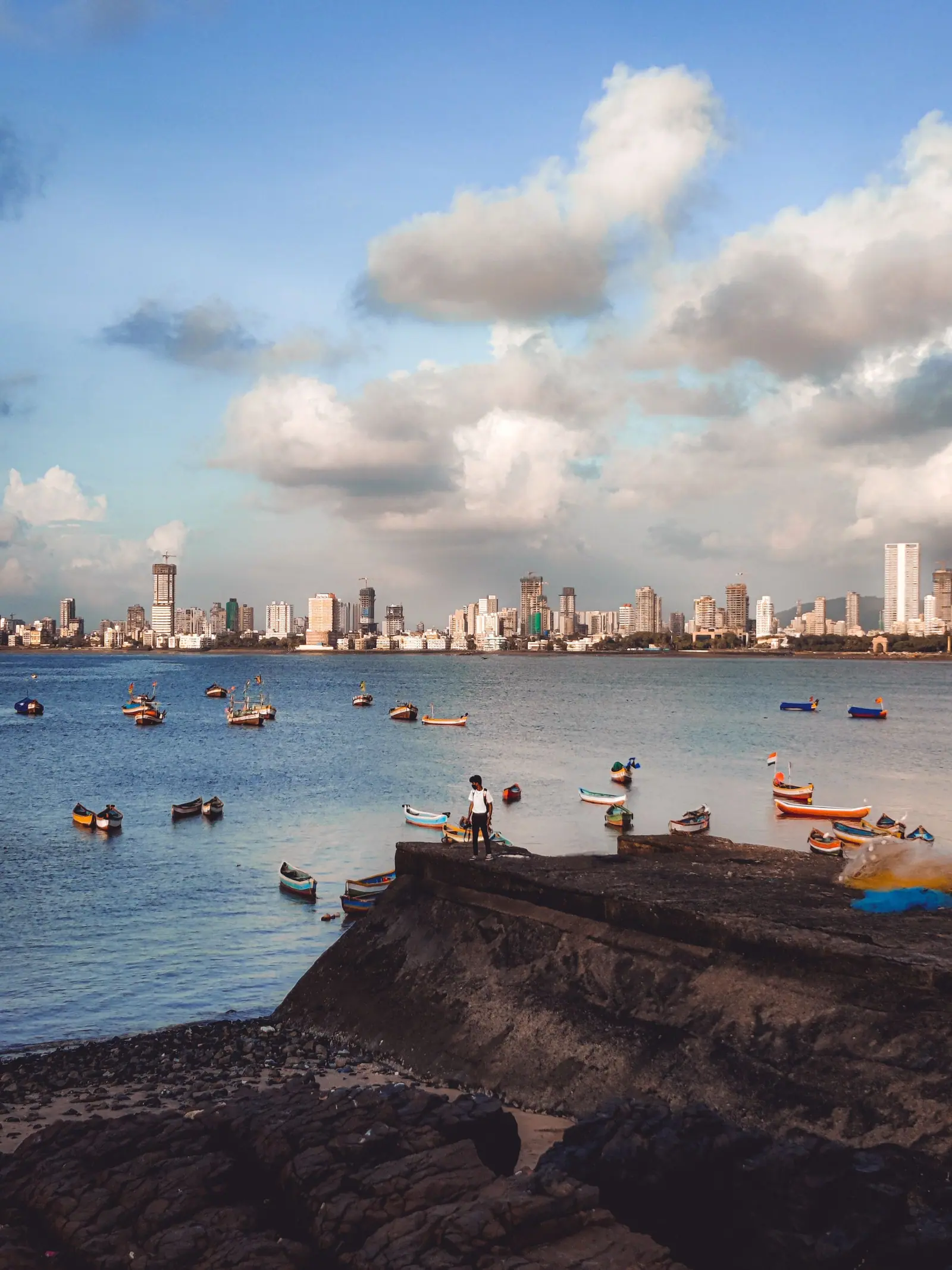
India visa for Paraguayan citizens visiting Mumbai
Paraguayan citizens can apply online for an Indian e-Visa (tourist, business, medical or conference categories) on the official Government of India site before travelling.
Check the official site before you travel. imptmumbai.in is a hotel and travel site; it does not issue visas. Visa rules change: confirm on indianvisaonline.gov.in.
| Status | e-Visa available |
|---|---|
| Visa type | Indian e-Visa (tourist, business, medical, conference), applied for online |
| Where to apply | indianvisaonline.gov.in (e-Visa) |
| Processing | Set by the Government of India: check the official site |
| Arrival | At an airport or seaport designated for e-Visa arrivals |
Paraguayan citizens are eligible for the Indian e-Visa, which is applied for online before departure and granted electronically. Mumbai is one of the airports where e-Visa holders may arrive; immigration there uses dedicated e-Visa counters, with fingerprints and a photograph taken on arrival. Check indianvisaonline.gov.in for current conditions before booking. This site is a travel guide and does not issue visas.
What the e-Visa covers
An Indian e-Visa is an electronic travel authorisation, applied for online and linked to your passport. For a trip to Mumbai it covers arrival at Chhatrapati Shivaji Maharaj International Airport, one of the airports where e-Visa holders may enter. The authorisation is not a sticker in the passport, so carry a printed copy of the approval alongside the passport used in the application.
The passport must be the same one named in the application, and the details on the approval should match it exactly. If a passport is replaced before travel, apply again rather than travelling on mismatched documents. Check indianvisaonline.gov.in for the conditions attached to the authorisation, since categories and rules are revised from time to time. Keep a copy on your phone as well as on paper.
Before you fly and arriving
Apply well before the flight, completing the online form on the official site and keeping the approval saved and printed. If the route is into Navi Mumbai International Airport, check first whether that airport accepts e-Visa arrivals, since it opened in 2025 and arrangements may differ from those at Mumbai's main airport. Book tickets only after the authorisation is in hand. Travel insurance and onward plans are worth arranging at the same time.
At Chhatrapati Shivaji Maharaj International Airport, e-Visa holders use the dedicated e-Visa immigration counters. Expect fingerprints and a photograph to be taken, and have the printed approval, passport, onward ticket and a note of your address in Mumbai ready. Officers may ask about the purpose and length of the visit. Answer plainly and keep the arrival stamp with your documents until departure.
From the airport into the city
From the airport, prepaid taxis, app cabs and Metro Line 3 connect to the city; check current routes and timings locally. Allow about an hour or more to reach South Mumbai at busy times. Long-distance trains leave from CSMT, Mumbai Central, Dadar, Bandra Terminus and Lokmanya Tilak Terminus, and domestic flights use both BOM terminals, so confirm the terminal or station on the ticket before setting out.
If the trip continues elsewhere in India, keep the passport and e-Visa approval with you on internal flights and trains, because documents may be checked again. Rules for some regions of the country differ from those for Mumbai, and permits may be needed in particular areas; check with the official site or the relevant authority before adding such places to the route.
Staying longer, working or studying
The e-Visa suits short visits. Anyone intending to work, take up employment, study, join a course or stay for a longer period needs a different visa category, applied for through the official Indian visa system rather than the e-Visa route. Requirements differ by purpose, and supporting documents are usually asked for. Check indianvisaonline.gov.in, or the nearest Indian mission, for the category that matches the plan before committing to dates.
Conditions attached to any visa, including permission to extend a stay or to register locally, are set by the Indian authorities and change from time to time. Nothing here should be read as permission to work or study. Confirm the position on the official site before travelling, and again if plans change after arrival, since overstaying or working outside the visa terms causes serious problems.
How to apply for the e-Visa
- Open indianvisaonline.gov.in, the official government site, and choose the e-Visa application rather than a commercial agent.
- Complete the form with the passport details exactly as printed, then upload a recent photograph and the passport page.
- Pay the fee online through the portal; the amount depends on category and nationality, so check the official site.
- Wait for the electronic travel authorisation by email, then check that every detail matches the passport.
- Travel after the authorisation arrives, and land at an e-Visa-designated airport or seaport such as Mumbai.
- At Mumbai, go to the e-Visa immigration counters, where fingerprints and a photograph are taken before entry.
Documents to carry
- Passport used in the application, valid for the whole trip
- Printed copy of the approved e-Visa, plus a copy on the phone
- Return or onward ticket, and a note of the Mumbai address
- Recent passport-style photograph matching the uploaded one
- Flight details for Chhatrapati Shivaji Maharaj International Airport
Paraguayan citizens: questions
Do Paraguayan citizens need a visa to visit Mumbai in India?
Yes. Paraguayan citizens are eligible for the Indian e-Visa, so an authorisation is needed before travel. Apply online on indianvisaonline.gov.in and wait for the approval before booking flights. Mumbai is one of the airports where e-Visa holders may arrive, using the dedicated e-Visa counters at immigration.
How do Paraguayan citizens apply for the Indian e-Visa from Paraguay?
Complete the application on indianvisaonline.gov.in, upload a photograph and the passport page, and pay the fee online. The authorisation then arrives by email. Check the details against the passport, print the approval and carry it to Mumbai. Fees and conditions are set by the Indian authorities, so confirm current requirements on the official site.
Where in India can Paraguayan citizens arrive on an e-Visa?
Entry is through designated airports and seaports. Chhatrapati Shivaji Maharaj International Airport in Mumbai is one of them, with dedicated e-Visa counters. Navi Mumbai International Airport opened in 2025, so check whether it accepts e-Visa arrivals before booking a flight into it. The list of designated points is set by the Indian authorities.
Can Paraguayan citizens work or study in India on the e-Visa?
The e-Visa covers short visits, not employment or study. Anyone going to India to work, take up a job, join a course or stay longer needs the appropriate visa category, applied for through the official system. Check indianvisaonline.gov.in or the nearest Indian mission before making commitments, since the rules change from time to time.
When should Paraguayan citizens apply for the India e-Visa before flying?
Apply as early as the trip allows, once dates are broadly settled, and wait for the authorisation before booking anything that cannot be changed. Processing varies, so no fixed time should be assumed. Check the official site for current guidance, and keep the approval printed with the passport on the flight to Mumbai.
Where will you stay in Mumbai?
Colaba or Fort for a first visit, Bandra or Juhu for food and the sea, Andheri East next to the airport. Live prices for your dates open in the IMPT app.
Photo credits: Photo on Pexels.